Help centre
Settings
Customize your alerts, manage workspace settings, and configure integrations to make Publicus work the way you want.
Overview
The Settings section lets you control application preferences, notifications, user access, and integrations.
Access
- Click Settings under Workspace in the left-hand sidebar.
- The Settings page will display multiple sub-sections for customization.
Sub-sections
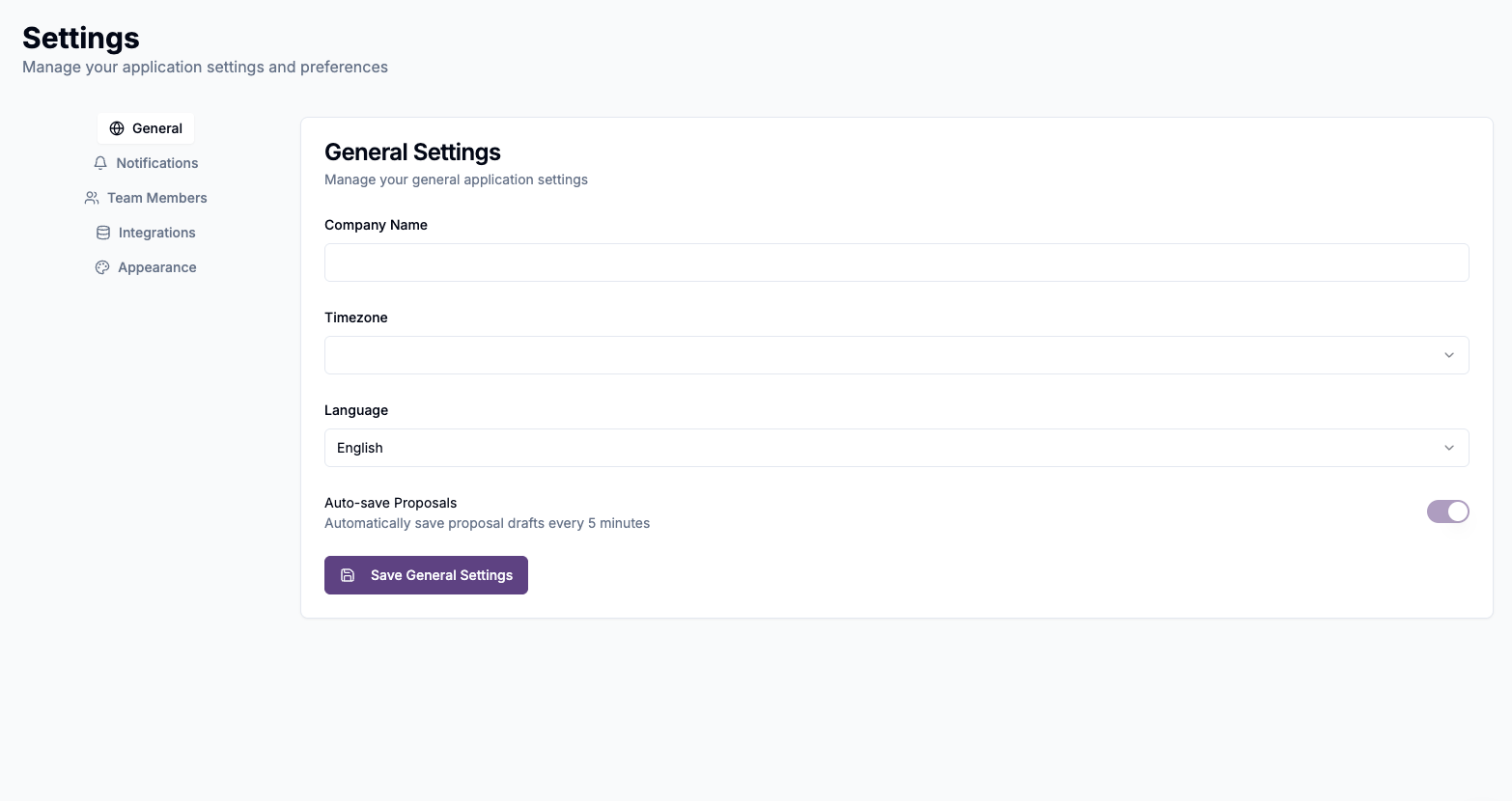
- General (coming soon) - Workspace name, timezone, language, and default dashboard preferences.
- Notifications
- New RFP Matches: Toggle daily or real-time alerts for new AI-matched opportunities.
- Saved Search Alerts: Automatic saved-search email alerts are currently paused. You can save and reopen searches, but should not rely on automatic email delivery. Contact support to confirm availability for your workspace.
- Deadline Reminders: Toggle reminders for upcoming due dates on saved bids.
- Note: Frequency controls (daily vs. weekly) will be released soon.
- Team Members (coming soon) - Invite colleagues to join your workspace and assign roles and permissions.
- Integrations (coming soon) - Connect Publicus to your CRM or other tools, with API access keys and webhook management.
- Appearance (coming soon) - Theme selection (light/dark), font size, and layout options.
Best practices
- Enable New RFP Matches for daily digests to start each morning.
- Turn on Deadline Reminders to avoid missing proposals you've saved.
- Review integrations when available to streamline data flow with your existing tools.
Next steps
- Return to Dashboard Overview to see how your notification settings affect daily workflows.
- Visit Profile Management to update your personal preferences and security settings.
- Check back soon, as more settings features are on the roadmap.